
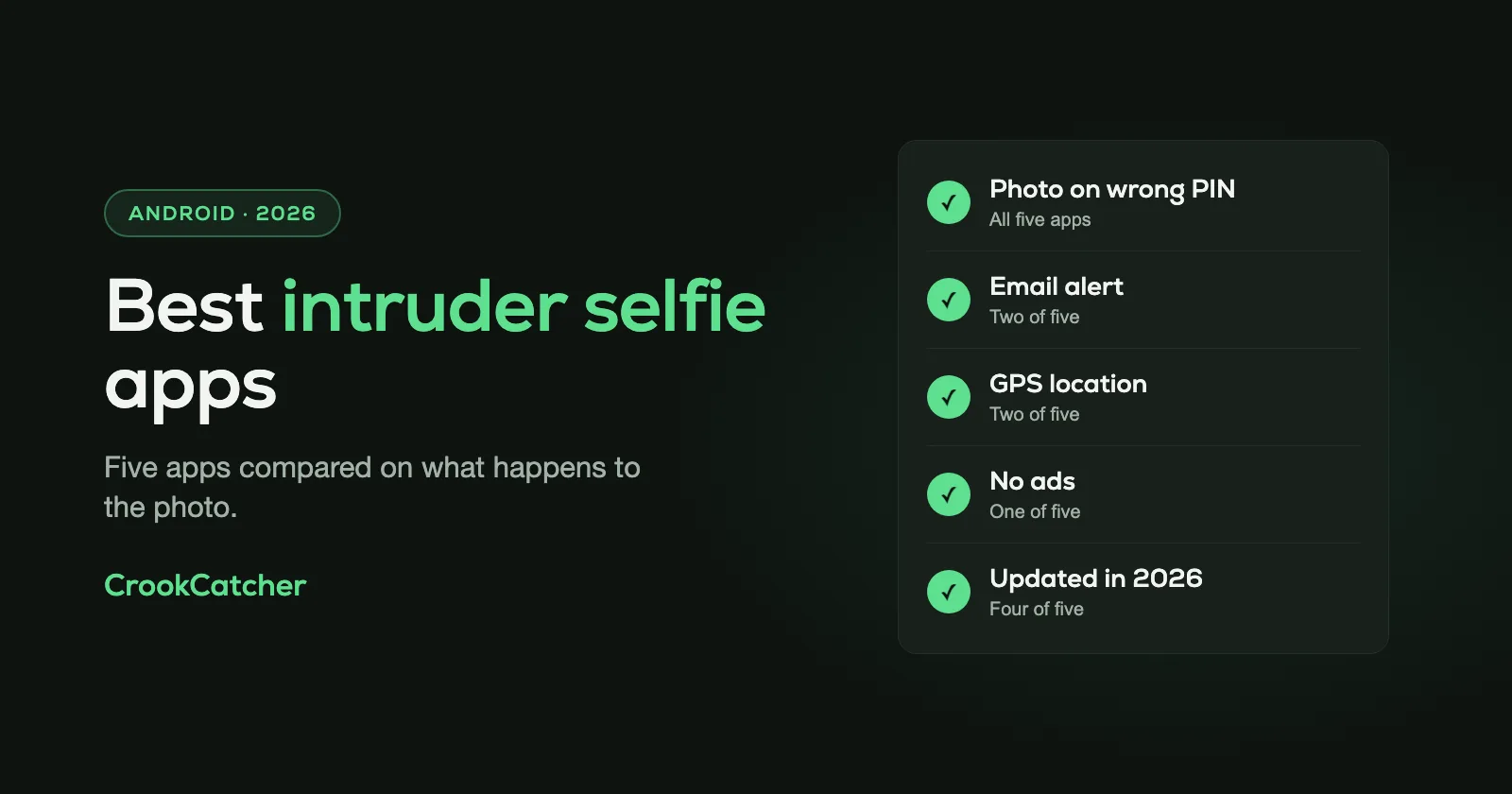
An intruder selfie app takes a photo with the front camera when someone enters a wrong PIN, pattern or password on your phone. The main difference between the apps is what happens to that photo. CrookCatcher and Lockwatch email it to you with the phone’s location, so you have it even if the phone is gone. WTMP and Third Eye keep it in a log on the phone, which suits you if you only want to know who touched your phone at home. Hidden Eye hasn’t been updated since 2019.
We make CrookCatcher, so read this with that in mind. Everything below comes from each app’s own Google Play listing as it was on November 13, 2026. Android has no intruder selfie feature of its own; here’s what Android does with failed unlock attempts.
The five apps compared
| CrookCatcher | Lockwatch | WTMP | Third Eye | Hidden Eye | |
|---|---|---|---|---|---|
| Photo on wrong PIN | Yes | Yes | Yes | Yes | Yes |
| Email alert | Yes | Yes | Not mentioned | Not mentioned | No |
| GPS location | Yes | Yes | Not mentioned | Not mentioned | No |
| Video | Pro | Premium | Not mentioned | Not mentioned | No |
| Ads | Yes | No | Not labeled | Yes | Yes |
| Downloads | 10M+ | 5M+ | 10M+ | 5M+ | 5M+ |
| Rating | 4.7 | 4.4 | 4.7 | 4.4 | 3.4 |
| Last updated | Nov 2026 | Jun 2026 | Oct 2026 | Aug 2026 | Oct 2019 |
“Not mentioned” means the app’s Play listing doesn’t describe the feature. All five are free to install. All except Hidden Eye offer in-app purchases.
What matters when you choose
- Where the photo goes. A photo that’s only saved on the phone is useless once the phone is stolen. For theft, you need an alert that leaves the phone: an email with the photo.
- Location. A photo shows who. A location shows where the phone was at that moment, which is what the police ask for.
- Whether it’s still maintained. Android changes its rules for background apps and the camera almost every year. An app that hasn’t been updated for years may quietly stop working on a new phone.
- Lock screen or app lock. Some “intruder selfie” features are part of an app lock and only react to a wrong password for one app. The five apps here all watch the phone’s lock screen.
1. CrookCatcher
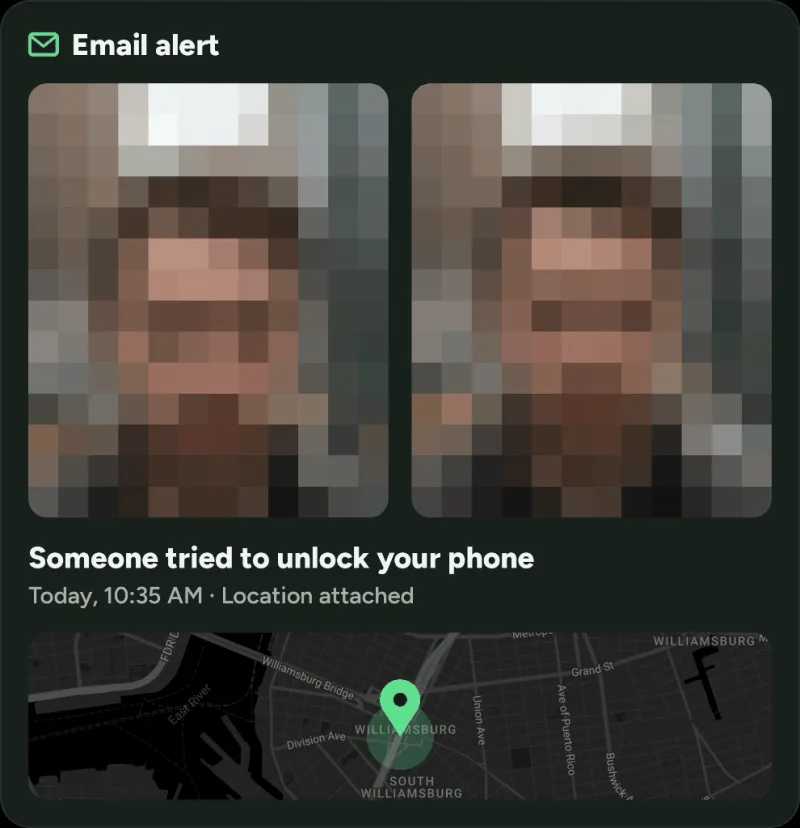
CrookCatcher takes a photo when someone enters a wrong PIN, pattern or password, and emails it to you with the GPS location and an estimated address. All of that is in the free version. It has been on Google Play since 2014 and takes around 1.2 million intruder photos a day.
Pro adds video with sound, a photo from the back camera, Google Drive backup, an alarm, a message on the lock screen, a fake home screen and a disguised app icon.
- Good for: theft and snooping alike, because the evidence leaves the phone.
- Keep in mind: the free version shows ads. It reacts to a wrong PIN, pattern or password, not to a failed fingerprint.
2. Lockwatch – Thief Catcher
Lockwatch, by BlokeTech, works much like CrookCatcher: a front camera photo after a wrong PIN, pattern or password, emailed with the GPS location. Its listing says the alert is cancelled if the correct code is entered within 10 seconds, which avoids emails about your own typos.
Premium adds a 20-second video with sound, a back camera photo, alerts when the SIM card is changed or the phone is switched on, and a longer alert history (50 instead of 5).
- Good for: people who want email alerts with no ads. The listing states there are none.
- Keep in mind: the free version keeps a history of 5 alerts, and the listing mentions no cloud backup.
3. WTMP – Who Touched My Phone?
WTMP, by Mindfulness Devs, takes a different approach. It records a report each time the phone is unlocked or an unlock fails: a front camera photo and the list of apps that were opened. You read the reports in the app, and they can sync with the cloud.
- Good for: finding out who used your phone at home and what they opened, including when they knew the PIN.
- Keep in mind: the listing mentions no email alert and no location, so it’s less useful once the phone is gone.
4. Third Eye – Intruder Detection
Third Eye, by Mirage Stacks, takes a photo on a wrong PIN, pattern or password and shows you a notification about wrong attempts the next time you unlock. It also shows the last unlock time and keeps a photo log.
- Good for: a simple on-phone log of wrong attempts.
- Keep in mind: it shows ads, and its listing mentions no email alert, location or video. You see the photos only when you have the phone back in your hand.
5. Hidden Eye
Hidden Eye photographs the person who tries to unlock your phone and can play a sound on wrong attempts. Photos are saved to a folder on the phone.
- Good for: very little today.
- Keep in mind: it was last updated in October 2019, its rating is 3.4, and its own listing says it may not work on all devices. We’d pick one of the four above.
Which one should you pick?
- You’re worried about theft: pick an app that emails the photo and the location, which means CrookCatcher or Lockwatch.
- You want to know who picks up your phone at home: all four maintained apps do this. WTMP also lists the apps the person opened.
- You don’t want ads: Lockwatch has none. CrookCatcher Pro removes them.
Whichever you choose, test it: lock your phone, enter a wrong PIN on purpose, unlock it and check that your own photo arrived. Then test again a week later, because some phones stop background apps after a few days.
Frequently Asked Questions
Q: What is an intruder selfie?
A: A photo your phone takes with the front camera when someone enters a wrong PIN, pattern or password. It shows who tried to get into your phone.
Q: Are intruder selfie apps free?
A: All five apps here are free to install and take the photo for free. CrookCatcher and Lockwatch also send the email alert with location for free. Extras like video are paid.
Q: Does Android have a built-in intruder selfie?
A: No. Android counts wrong guesses to make the person wait, but it never takes a photo. Some phone makers’ app locks have a similar option, but it only covers individual apps.
Q: Do intruder selfie apps work with fingerprint or face unlock?
A: You can keep using both. The apps react when a wrong PIN, pattern or password is entered. A failed fingerprint or face attempt doesn’t trigger a photo.
Q: Is it legal to photograph someone who tries to unlock my phone?
A: These apps are made for protecting your own phone, and the photo is taken on your own device. Laws on using or sharing such photos differ between countries. If your phone is stolen, give the photo to the police rather than posting it publicly.
Q: Why didn’t the app take a photo?
A: Most often the phone’s battery saver stopped the app in the background, or the phone was just restarted. After a restart, Android only lets apps use the camera once the phone has been unlocked one time.
Sources
- Google Play listings of CrookCatcher: Anti-Theft, Lockwatch – Thief Catcher, WTMP — Who touched my phone?, Third Eye - Intruder Detection and Hidden Eye: Catch your friends, as shown in the US store on November 13, 2026
- Android Developers: DeviceAdminReceiver (how apps are notified of failed unlock attempts)

