
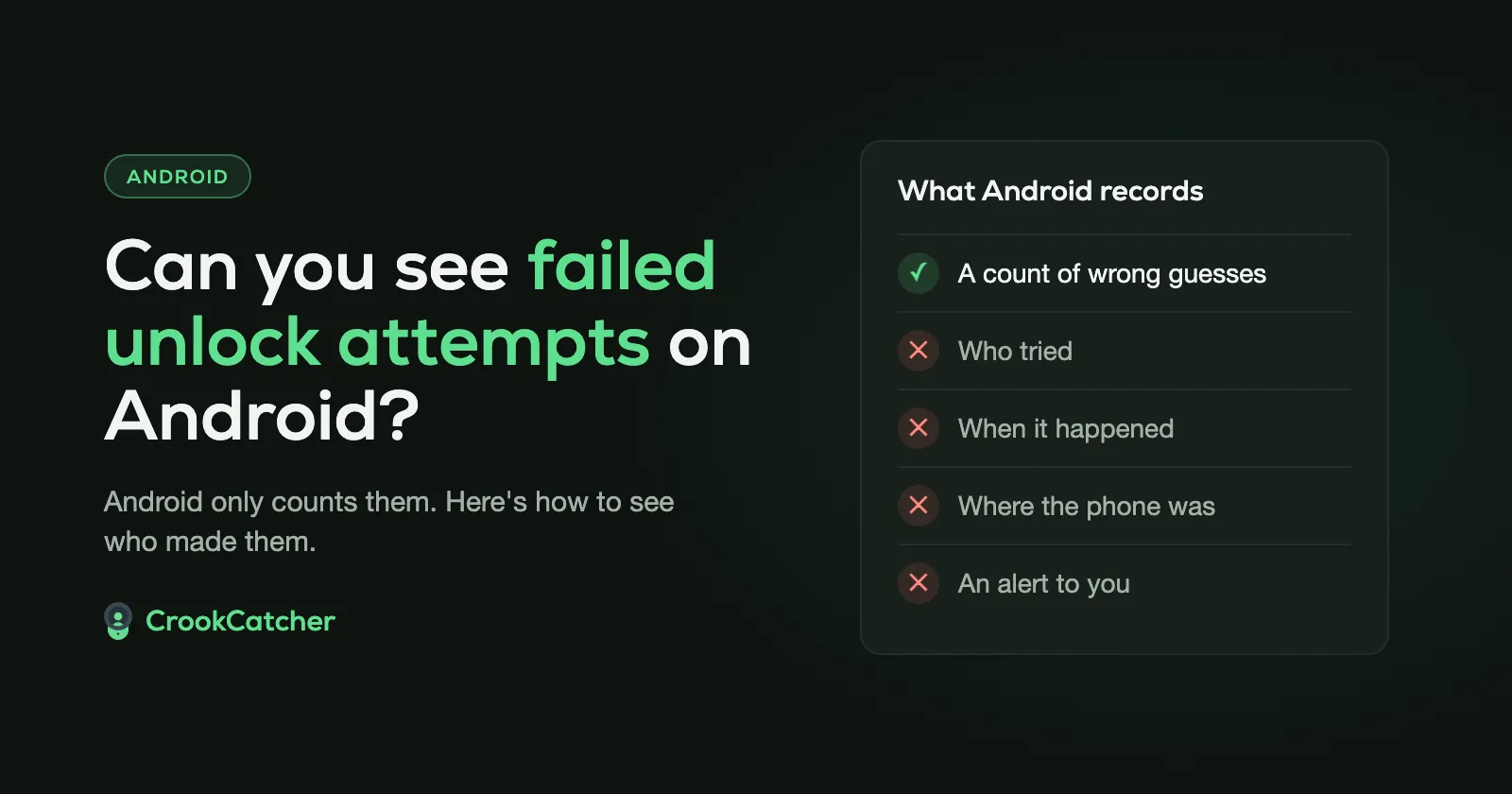
No. Android doesn’t keep a list of failed unlock attempts, and it never shows who made them. It counts wrong PIN, pattern and password guesses only to make the person wait longer before trying again. Once the phone is unlocked, there’s nothing to look back at: no list, no time, no photo. To see failed attempts, you need an app that’s notified each time an unlock fails, like CrookCatcher, which takes a photo of the person and emails it to you with the location.
What Android does with a wrong PIN
Every wrong guess is counted, and after a few of them the lock screen makes the person wait. On recent Android versions (Android 16 QPR2 and later), Google’s published schedule is:
| Wrong guesses | Wait before the next try |
|---|---|
| 1 to 4 | None |
| 5 | 1 minute |
| 6 | 5 minutes |
| 7 | 15 minutes |
| 8 | 30 minutes |
| 10 | 4 hours |
| 12 | 36 hours |
| 15 | 41 days |
| 20 | No more guesses allowed |
Google says Android 17 uses even stronger limits by default, and phone makers can set their own. Samsung’s One UI 9 permanently locks a phone on the 13th wrong guess; after that, only a factory reset makes it usable again.
Two more things changed recently:
- Repeating the same wrong PIN doesn’t count again on many newer phones. Android and Samsung both skip identical wrong entries, so a child pressing 1111 over and over won’t lock you out.
- Failed Authentication Lock (Android 15 and later, on by default) locks the screen when authentication fails repeatedly.
None of this is shown to you afterwards. The count only exists to time the lockouts.
The only clues Android gives you
If someone tried while you were away, you might notice:
- A “Try again in…” message on the lock screen when you pick up your phone.
- A warning about remaining attempts. Samsung phones with One UI 9 show this once someone gets close to the limit.
These tell you something happened. They don’t tell you when, how many times, or who.
What Android can’t tell you
- Who it was. No photo, no name.
- When it happened, or how many attempts were made.
- Where the phone was.
- An alert while it happens. You find out only if you notice the clues above.
How to see who tried to unlock your phone
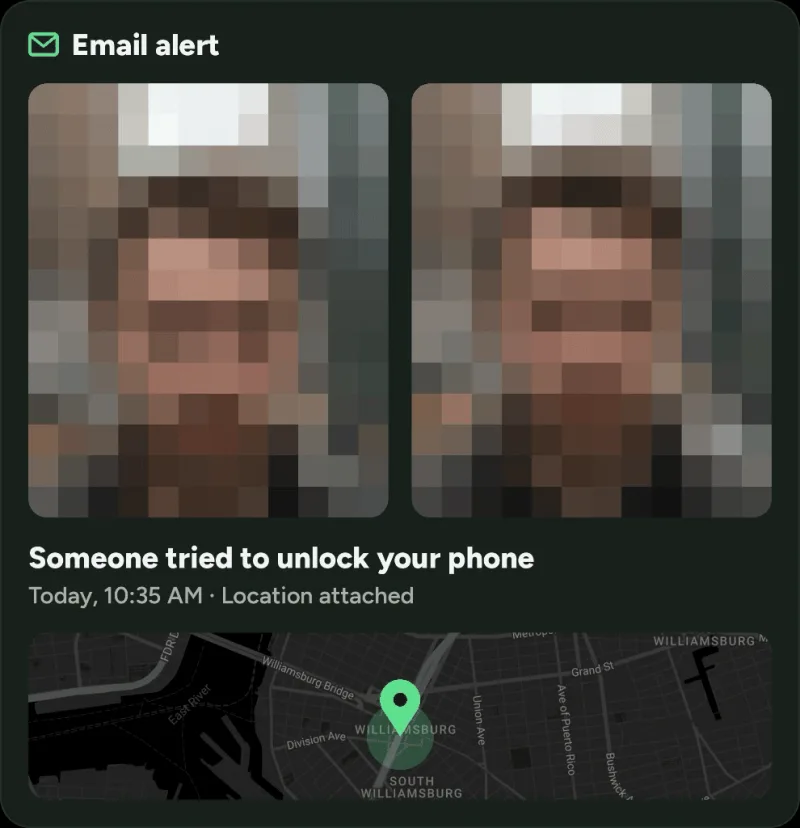
Android does let apps know about failed attempts. An app you give the Device admin permission is notified by the system each time someone enters a wrong PIN, pattern or password. CrookCatcher uses exactly that.
When an unlock fails, CrookCatcher:
- takes a photo with the front camera,
- records the GPS location and an approximate address,
- saves it in the app with the time, and
- emails it all to you, so you have it even if the phone is gone.
You choose how many wrong attempts it takes before CrookCatcher acts. It has been downloaded more than 12 million times since 2014, and it takes around 1.2 million intruder photos a day. Setup takes a few minutes and there’s no account to create: see how to see who tried to unlock your phone for the step-by-step.
Turn on Android’s own protection too
CrookCatcher tells you who tried. Android’s theft protection makes it harder for them to succeed. Turn both on.
Go to: Settings > Google > All services > Theft protection
Check that Failed Authentication Lock, Theft Detection Lock and Offline Device Lock are on. If a setting is grayed out, your phone doesn’t support it. For the full list, see the top 5 Android settings to secure your phone against theft.
Frequently Asked Questions
Q: Is there a log of failed unlock attempts on Android?
A: No. Android only keeps a counter for the lockout timer, and it isn’t shown anywhere. To get a record, you need an app like CrookCatcher that saves each attempt with a photo, time and location.
Q: How many times can you enter a wrong PIN on Android?
A: On recent Android versions, the first 4 wrong guesses have no wait. After that the waits grow from 1 minute to days, and after 20 wrong guesses no more are allowed. Samsung phones with One UI 9 lock permanently on the 13th wrong guess.
Q: Will my phone erase itself after too many wrong attempts?
A: Not by default on most phones. Some Samsung phones have an optional Auto factory reset setting that erases the phone after a number of wrong attempts. If a phone runs out of guesses, Google’s help pages say the only way back in is to erase it.
Q: Does entering the same wrong PIN twice count?
A: On many newer phones, no. Android 16 QPR2 and later, and Samsung’s One UI 9, ignore repeated identical wrong entries so you don’t get locked out by accident.
Q: Can an app see failed unlock attempts?
A: Yes, if you give it permission. Android notifies apps that have the Device admin permission whenever an unlock attempt fails. That’s how CrookCatcher knows when to take a photo. It only uses the permission for that.
Q: Do failed fingerprint or face unlock attempts count?
A: CrookCatcher reacts to a wrong PIN, pattern or password, not to failed fingerprint or face unlock attempts.
Sources
- Google, Android Help: Protect your personal data against theft
- Android Open Source Project: Lockscreen rate limiting
- Google, The Keyword: New Android theft protection feature updates (January 2026)
- Samsung: One UI 9.0 lockscreen security policy changes
- Google, Pixel Help: Can’t unlock your Pixel phone
- Android Developers: DeviceAdminReceiver (how apps are notified of failed attempts)

