
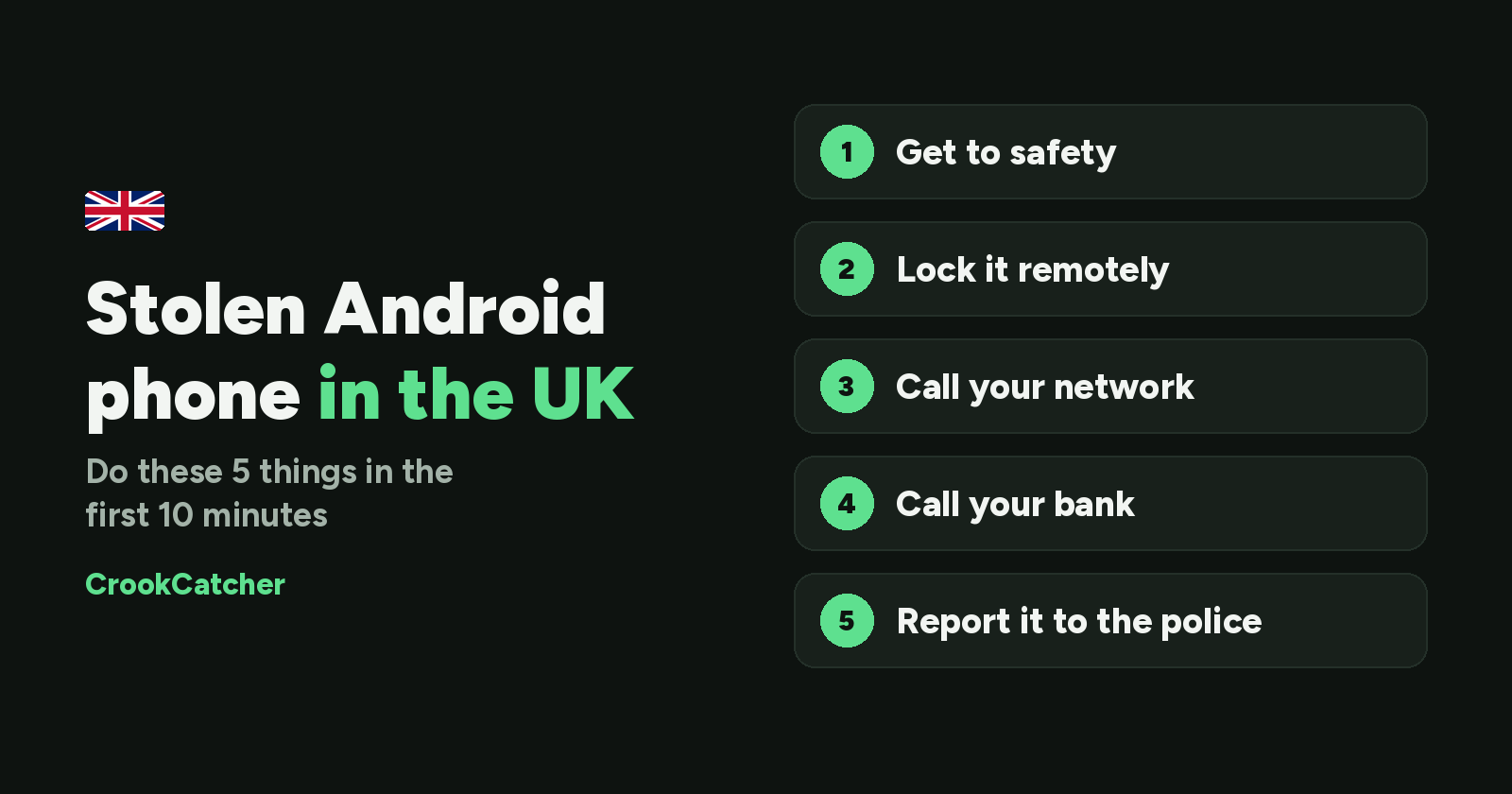
Having your phone stolen is stressful, and it happens a lot in the UK. In London alone, the Metropolitan Police recorded around 71,000 mobile phone thefts in 2025, and nearly 11,000 phones were stolen on the London Underground in 2024. The numbers are falling, but thousands of people still go through this every month.
This guide is for Android phones. The first few minutes matter most. Thieves often go straight for your bank accounts and payment apps, not just the phone itself. Here’s what to do, in the right order.
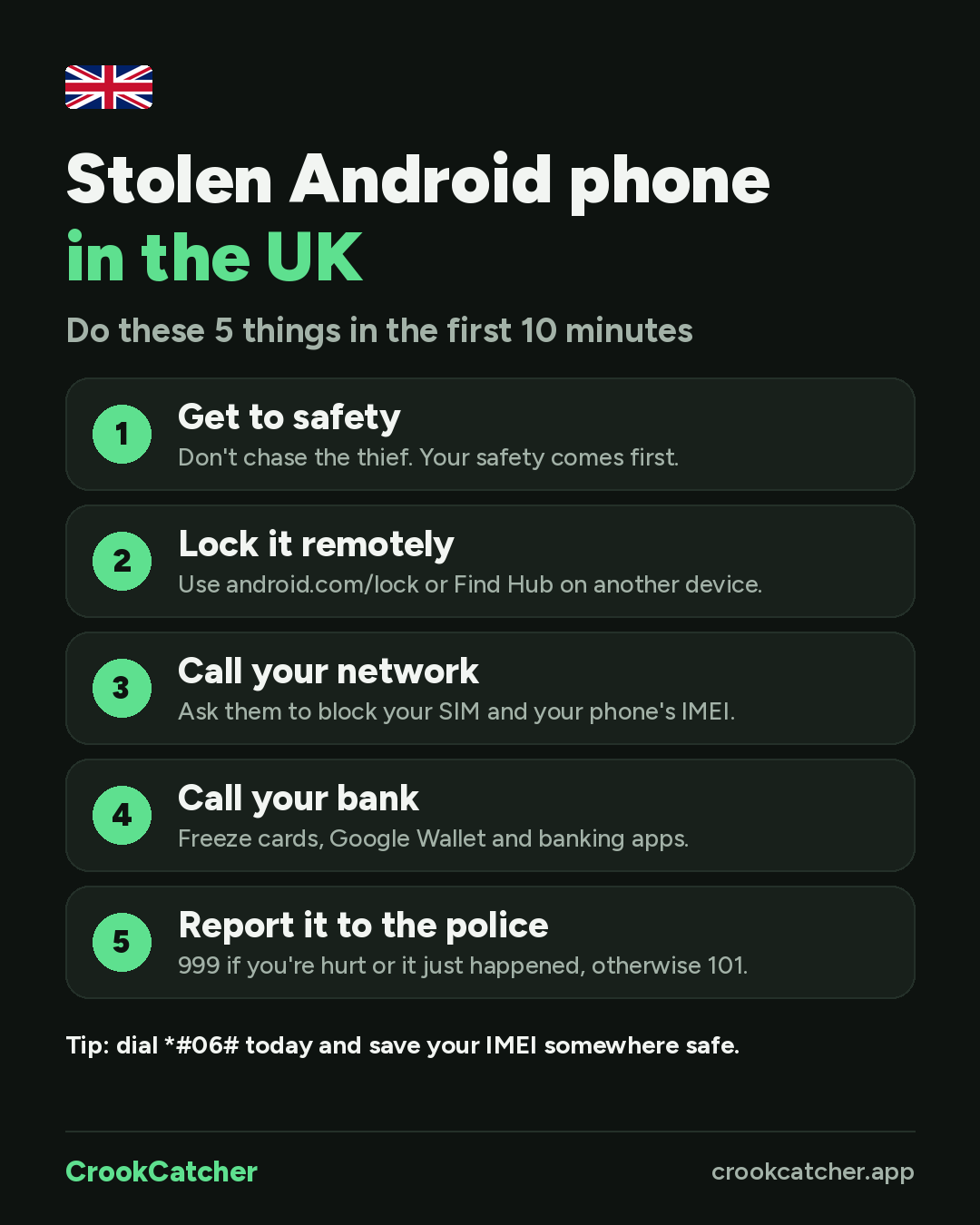
1. Get to safety first
Don’t chase the thief. Many phone thefts in London are carried out by people on e-bikes or in groups, and a phone is never worth getting hurt over. If you’ve been threatened or hurt, or the theft has only just happened, call 999 from someone else’s phone or ask a nearby shop for help.
2. Lock your phone remotely
Lock your phone as quickly as possible so the thief can’t get into your apps.
- Remote Lock: go to android.com/lock on any device, enter your phone number and follow the steps. This only works if Remote Lock was turned on before the theft.
- Find Hub: sign in at google.com/android/find with your Google account to see your phone’s location, lock it or make it ring.
If your phone is located, don’t go there yourself. Share the location with the police instead.
3. Check your email for the thief’s photo
If you had CrookCatcher installed, check your email. When someone enters a wrong PIN, pattern or password, CrookCatcher takes a photo with the front camera and emails it to you along with the GPS location and an estimated address. Thieves almost always try to unlock a phone, so you may already have their photo and where it happened. Save these emails for the police and your insurer.
4. Call your network to block the SIM and phone
Call your network provider (EE, O2, Vodafone, Three, giffgaff or others) and tell them your phone was stolen. They can:
- Suspend your SIM or eSIM, so the thief can’t use your number, make calls or receive your security codes.
- Block the phone using its IMEI number, which stops it from working on UK networks.
Your IMEI is a unique 15-digit number for your phone. If you don’t have it written down, your network can usually find it for you, or you may find it on the original box or in your Google account.
Do this quickly. You may have to pay for calls or texts the thief makes. Some providers cap these costs, but only if you report the theft within 24 hours.
5. Call your bank and secure your money
This is the step people forget, and it’s often where the real damage happens. Thieves who get into your phone can try to access banking apps, Google Wallet or your email to reset passwords.
- Call your bank (the number is on the back of your card) and tell them your phone has been stolen.
- Freeze your cards and ask them to suspend mobile banking and payment apps like Google Wallet.
- Check for transactions you don’t recognise over the next few days.
6. Report it to the police
Report the theft even if you think the phone won’t be recovered. You’ll need a crime reference number for insurance, and reports help the police find theft hotspots and the gangs behind them.
- Call 999 if you’re hurt, feel unsafe or the theft has only just happened.
- Otherwise, call 101 or report it online on your local police force’s website.
Give them your IMEI number, the time and place of the theft, and any evidence you have, like the photos and location from CrookCatcher’s email alerts.
7. Register it as stolen on Immobilise
Immobilise is the UK's free property register, used by police across the country to identify recovered phones. If your phone was registered, log in and mark it as stolen, so it can be traced back to you if it turns up.Note that marking it on Immobilise doesn’t block the phone. You still need to call your network (step 4).
8. Change your passwords and warn your contacts
- Change your Google account password first, then your email, banking and social media passwords.
- Sign out of your accounts on the stolen phone. In your Google account, go to Security > Your devices and remove the stolen phone.
- Warn friends and family. Thieves sometimes message your contacts pretending to be you, asking for money or security codes.
9. Erase your phone only as a last resort
If you’re sure you won’t get the phone back and you’re worried about your data, you can erase it remotely through Find Hub. But once it’s erased, you may no longer be able to locate it, so only do this after you’ve tried everything else and the police have the location information they need.
10. Claim on your insurance
If your phone is insured (through a phone policy, home insurance or a bank account benefit), contact your insurer with your crime reference number and IMEI.
How to be ready before it happens
Most of the steps above work much better if you prepare in advance. It takes 10 minutes:
- Save your IMEI. Dial
*#06#and save the number somewhere other than your phone, like your email. - Turn on Remote Lock and Find Hub, so you can lock and locate your phone from any device.
- Turn on Theft Detection Lock, which locks your phone automatically if it’s snatched from your hand.
- Hide message previews on your lock screen, so thieves can’t read your security codes.
- Register your phone on Immobilise.
- Install CrookCatcher, so you get a photo and the location of anyone who tries to unlock your phone.
For step-by-step instructions, read our guides to the top 5 Android settings to secure your phone against theft and how to stop thieves from turning off your phone.

Frequently Asked Questions
Q: Should I call 999 or 101 if my phone is stolen?
A: Call 999 if you’ve been hurt, feel unsafe or the theft is happening right now. Otherwise, call 101 or report it online on your local police force’s website.
Q: Will blocking my phone’s IMEI stop it working everywhere?
A: It stops the phone from working on UK networks. Stolen phones are sometimes shipped abroad, where the block may not apply, which is why it’s important to also lock the phone and change your passwords.
Q: Can I track my stolen phone myself?
A: You can see its location with Find Hub, but don’t go there yourself. Give the location to the police and let them handle it.
Q: Can CrookCatcher help me get my phone back?
A: CrookCatcher gives you evidence: a photo of the person who tried to unlock your phone, the time, and the location, sent straight to your email. You can share this with the police to help identify the thief. It doesn’t guarantee your phone will be recovered, but it gives you and the police much more to go on.
Got more questions? Check out the FAQ.

